





























Mobile Banking
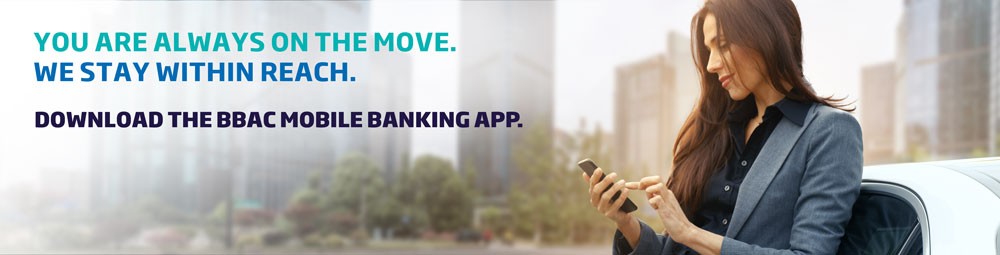
You lead a busy lifestyle. Sometimes you do not seem to have enough time to do your banking or stay on top of your finances. That is why BBAC brings you Mobile Banking – a secure and convenient way to access and manage your accounts on-the-go anytime, anywhere from your mobile, for free.
So, wherever you are, BBAC is right there with you.
Switch to Mobile Banking… it’s easy!
- What are the features of Mobile Banking?
-
With this service, you can:
- Self-register to Online Banking if you are already a BBAC client;
- Open new fresh current accounts and term deposits;
- Transfer money in any currency held by BBAC between your accounts or to other account holders within BBAC;
- Transfer money to other BBAC account holders using their mobile number via QuickPay;
- Manage your fixed term deposit: Amend eligible deposit amount and add earned interest to the total deposit or transfer it to another account within BBAC;
- Set up standing orders or future-dated transfers;
- Apply for different types of credit and debit cards;
- Settle your loan and credit card payments;
- Manage your credit card settings: increase/decrease limit, renew or replace card, request a new PIN, lock/unlock card and dispute card transactions;
- Manage your debit card linked accounts;
- Execute multiple transfers in a single batch and save as a reusable template for future use;
- Request local or international wire transfers;
- Add, edit or delete beneficiaries anytime;
- Assign nicknames to your accounts and beneficiaries for easy reference;
- Request cheque books and official account statements;
- View your account balances and transaction history;
- View your credit cards' available balance and the used amounts for the current month;
- View your loan schedules;
- Customize your Online Banking dashboard for quick access to your favorite features;
- Use built-in IBAN and loan calculators;
- View real-time foreign currency exchange rates;
- Get instant notifications for transactions and key updates;
- Contact our 24/7 Customer Care team through your secure electronic mailbox;
- Locate the nearest BBAC branch or ATM and more!
- How secure is Mobile Banking?
-
BBAC has taken every precaution necessary to ensure a climate of trust and to protect the confidentiality and the security of your personal and financial information, allowing you to conduct your mobile transactions with confidence.
You will also be provided with a unique User ID and a password that enable you to securely access the service.
As an added security measure, the bank has introduced a second level of authentication where you will be required to enter a temporary One-Time Password (OTP) that will be sent to you via SMS to authorize and complete sensitive transactions.
While BBAC takes the greatest care to keep your mobile experience safe, you would still need to take your own precautions. Keeping your mobile safe and updated with the latest protection is the first step towards real mobile security.
- What is the next step?
-
To start using Mobile Banking, you will first need to visit any of the BBAC branches and register for Online Banking to get a User ID and a password. On your mobile, visit App Store (iPhone) or Google Play (Android), search for "BBAC BANK”, download the application and you are good to go!
For more information, please contact the 24/7 Customer Care on 1296 from Lebanon or on +961 1 366 921 from abroad.
DOWNLOAD BBAC MOBILE APP